



Query Production Code with AI Code Agents
When you iterate on an existing interface, the hardest questions are rarely about pixels. They are about what is already true in production. Under which conditions does that element appear? What does that dashboard number actually represent, and how is it calculated? Which activity types exist in the feed, each with its own icon and display mode? Which options does that control really support?
Those answers live in the production codebase, not in the last Figma file you opened. For years, most of us designed against what we knew, or what we thought we knew, without a reliable baseline. AI has changed three things in my practice: access to analytics, design critiques, and the ability to understand what is actually shipping. The third one is the most concrete, and it is available to you right now.
You do not need to become an engineer. You need a local copy of the code, an AI code agent, and the habit of asking the product itself how it works.
Stop Guessing What’s in the Production Codebase
If you cannot inspect production behavior directly, you will keep designing from estimates instead of from what the product actually does.
Product designers iterating on a live product constantly hit the same class of questions. A component shows up only sometimes, so you need the exact conditions. A metric sits on a dashboard, so you need its definition and its formula. An activity feed mixes several event types, so you need the exhaustive list before you redesign icons or layouts. A control exposes a pile of options, so you need the full set, not the subset you happened to notice in a demo.
Those questions are usually hard to answer. The default move is to skip a concrete answer and estimate the design from memory. That is how you ship something that fights the real product.
There are older ways to get a better answer. You can hunt for the original ticket that shipped the feature. That is slow, and it is unreliable: tickets rot, get split, or never described the final behavior. You can also ask a developer to open the code and tell you what happens. That works, but it costs a round-trip at minimum, and you are borrowing their time for a task that is not interesting for them. You get to a result. You also slow everyone down.
The option that actually changed my work is to put an AI code agent on the codebase and ask it yourself. I have been doing this for three to four months. The success rate surprised me, and it did not require a heroic setup. For the questions above — conditional display, metric definitions, exhaustive activity types, exhaustive options — this is the method I now recommend.
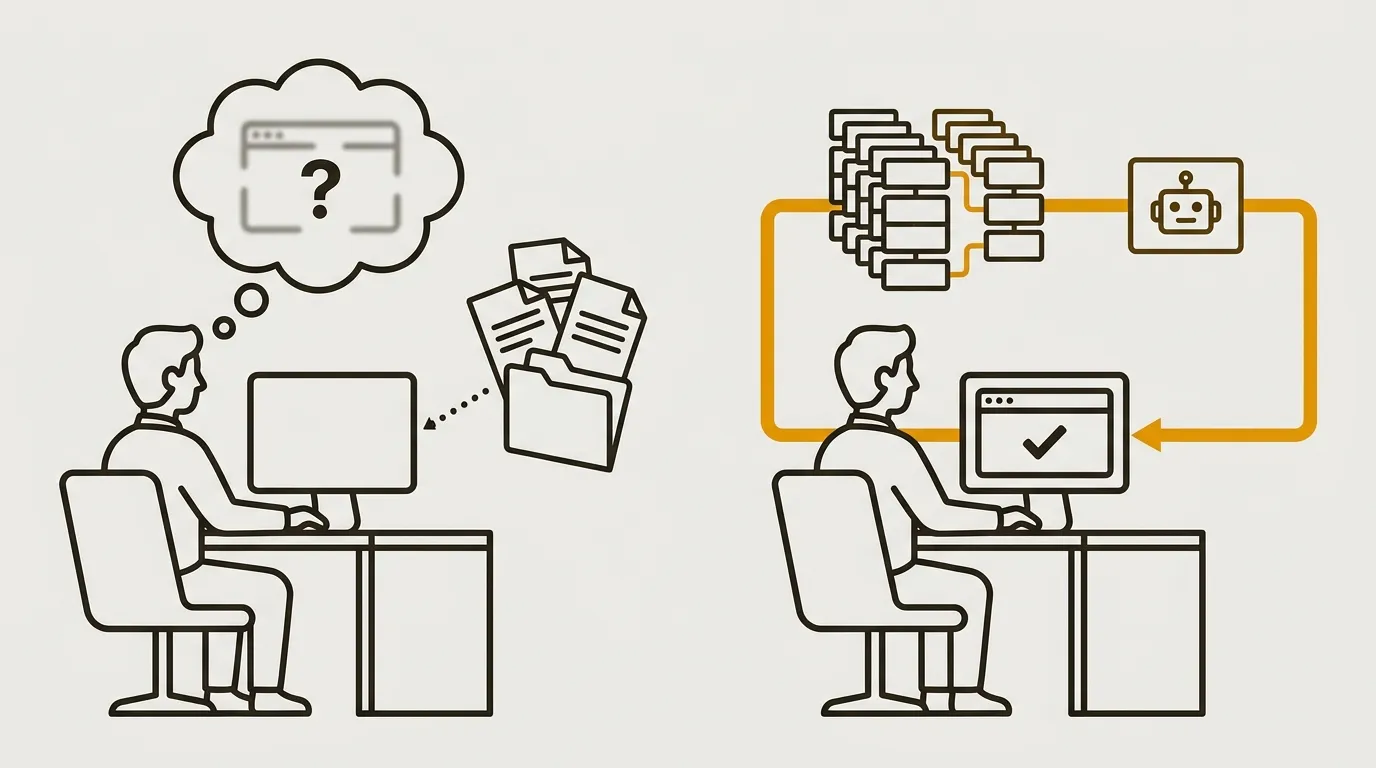
Before
After
How to Set Up AI Code Agents in Minutes
Clone the repo, install an AI code agent, point it at the folder, and start asking how the product works — the setup is that short.
The method is simple: use a code agent, keep the codebase on your machine, and ask it questions about what is implemented.
Clone the production codebase. Get access, open the GitHub or GitLab page for your company’s main project, and clone it locally the way any developer would. You end up with a folder on your computer that contains the code of the site or app you own. In theory this is easy. In practice, company policy can make it harder depending on the size of the organization. If access is the blocker, the next section is for you.
Install an AI code agent. The three best-known options today are Claude Code from Anthropic, ChatGPT Codex from OpenAI, and Cursor, an IDE built for developers. Globally, the three do the same job. Claude Code requires a paid subscription. Codex and Cursor offer free plans that are already enough to start. Follow your company’s rules. The ideal is to use the paid solution your company already provides: better privacy, less improvisation. If you have ChatGPT Pro, Codex is included. If you have a Claude subscription, you almost certainly have Claude Code. Use what is already approved. If you have none of these, push for a paid plan before you start dumping production code into a random free tool.
Open the agent on that folder. Select the directory that holds the application code. That becomes its working directory — the place it looks first when you ask a question. That is the entire setup: a local copy of the code, an agent, and a working folder.
Then you ask. Cursor has a dedicated Ask mode for questions. Claude Code and ChatGPT Codex do not, as far as I can tell, and that is not a real problem. If you ask how something works, the agent answers instead of rewriting the product. You are working on local files. Even if the agent does edit something, it only affects you. There is no production risk.
One maintenance habit matters. Refresh the local copy regularly, otherwise your answers freeze at the last download. You do not need to delete the folder and clone again. You pull. The simplest path I recommend if you are not technical is the GitHub Copilot app: install the project from GitHub or GitLab, then refresh with a single pull click.
That is a non-technical setup. It is enough to interrogate the production codebase whenever a design question shows up.
Clone the GitHub or GitLab repo locally
Install Claude Code, Codex, or Cursor
Point the agent at the code folder
Ask how production actually works
Design-Engineering Collaboration Unlocks Code Access
Access is the recurring blocker — treat it as a trust problem, present a read-only proof of concept, and move in small steps.
Getting the codebase is, from what I have seen, the most common blocker. Companies tend to sit in one of three stages.
Open companies. You already have access. Open GitHub or GitLab, download, and run the setup above. No drama.
The middle. Sharing code with anyone other than developers is simply not the habit, but there is no hard barrier either. Often you just need to ask the right person. Frame it as a proof of concept. Explain the use cases: conditional UI, metric definitions, exhaustive activity types, exhaustive options. Stress that you will read code, not edit it. That framing makes the first access much easier. In a large majority of companies — say under 300 people — the codebase is rarely locked down in an extreme way. More often, nobody ever asked.
Locked-down companies. Engineering protects the code like a baby. There is no magic trick. You advance by proving value, small step by small step. Design-engineering collaboration matters here more than ever. Roles are shifting because of these tools. Working well together is useful for the work, and it is better for the humans you sit next to. Trust first, then access.
From there, the paths range from clean to messy:
- The quality path is a one-to-one proof of concept with someone who owns the codebase — a tech lead or equivalent. You test on your side. If it works, you roll it out more generously to other designers or product managers. That is the ideal: a trusted partner, a contained test, then a wider rollout.
- A shadier path is asking an individual developer to share the folder itself. Watch company policy. That can get you reprimanded.
- A pragmatic side door is a hackathon or similar event where everyone works on the codebase. That can be enough to get GitHub or GitLab access for a short window, prove value, and argue for broader adoption afterward.
There is no universal technique. You adapt. These are the approaches that have been useful in some of my contexts, and they can be useful in yours.
Final Thoughts
This is one of the few AI shifts in design that is not vapor. A lot of the surrounding conversation is noise. Asking the production codebase concrete questions, and getting answers fast enough to make better decisions and better proposals, is not. It is an opportunity worth taking.
If you try this on your product this week, I want to hear what you asked first — and what the code answered that Figma never could. Share it, or connect with me on LinkedIn. I am always up for a sharp conversation on digital product innovation.
Get the next article first
Every new article, plus my weekly handpicked product nuggets.
Or only the blog posts via RSS:
FAQs
What kinds of product questions can AI code agents answer from a production codebase?
They work especially well for questions about existing production behavior: the conditions behind a conditionally displayed element, what a dashboard number represents and how it is calculated, the exhaustive list of activity types in a feed, and the full set of options on a control.
Which AI code agents can designers use, and do they require a paid plan?
The three best-known options are Claude Code, ChatGPT Codex, and Cursor. Claude Code requires a paid subscription; Codex and Cursor offer free plans. Prefer the paid tool your company already provides for privacy, including Codex via ChatGPT Pro or Claude Code via a Claude subscription.
How should you ask for codebase access if only developers usually have it?
Present the request as a read-only proof of concept, explain the design use cases, and emphasize that you will not edit the code. In companies under about 300 people, access is rarely extremely protected — it is more often a habit that nobody challenged.